
How to Find Your Yelp Business URL (Step-by-Step Guide for Home Service Pros)
TagSonar • October 12, 2025
🔍 Step 1: Go to Yelp.com
Open your browser and visit
www.yelp.com.
At the top of the page, you’ll see a search bar where you can look up your business.
🏠 Step 2: Search for Your Business
Type your
business name and
city into the search bar.
Example:
“ACME General Contractor ID”
Press Enter or click the magnifying glass icon to search.
If your business appears in the results, click on it to open your Yelp Business Page.
🔗 Step 3: Copy the Business URL
Once your Yelp page is open, look up at the
address bar in your browser.
It will look something like this:
https://www.yelp.com/biz/acme-general-contractor-boise
This full link is your
Yelp Business URL.
Right-click it and choose
Copy, or highlight it and use
Ctrl+C (Windows) or
Cmd+C (Mac).

Take charge of your business with a Google Business Profile. Get valuable consumer insight with free analytic tools. Reach new customers with targeted SEO.
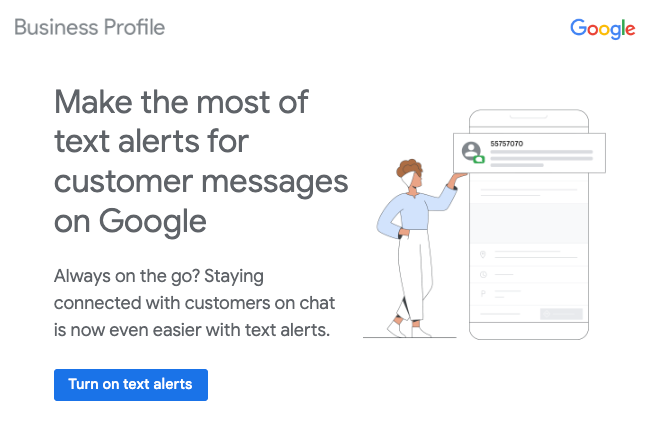
Discover the ease of instant customer communication! Set up SMS alerts for Google Business. Stay connected on-the-go, respond promptly, and elevate satisfaction. Streamline effortlessly for business success!